AERIAL D4
Model: WL-WN575A3
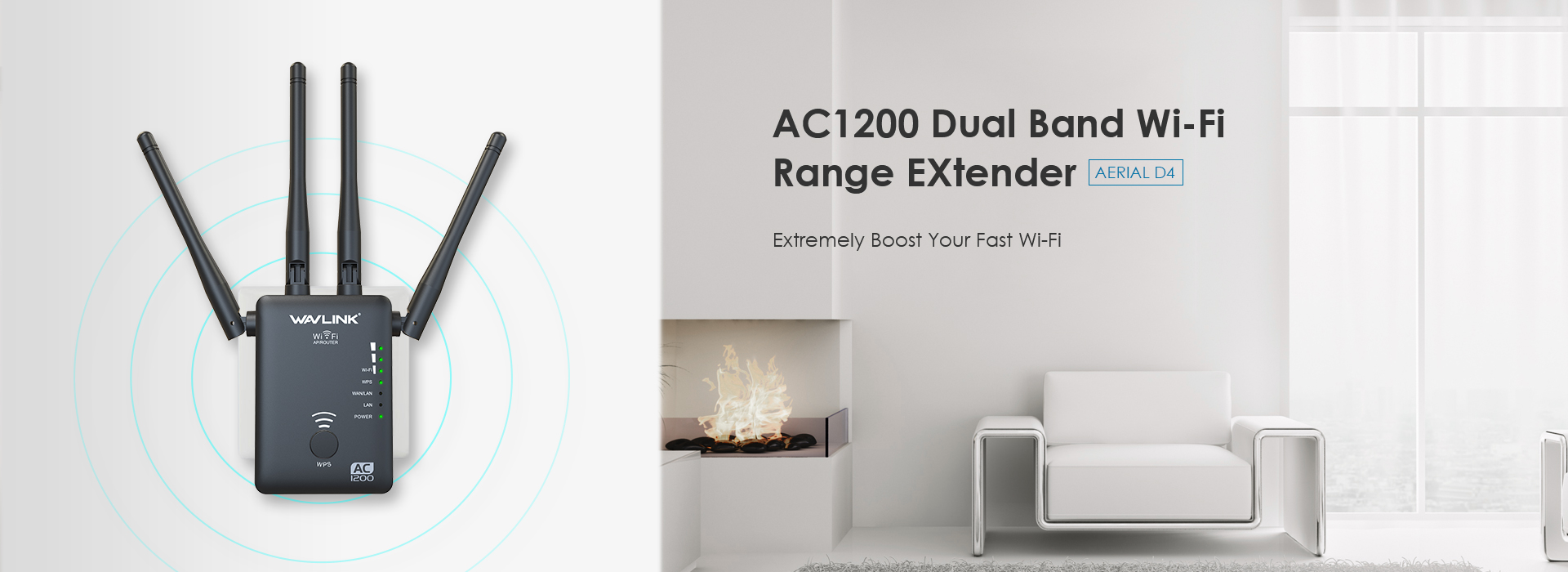
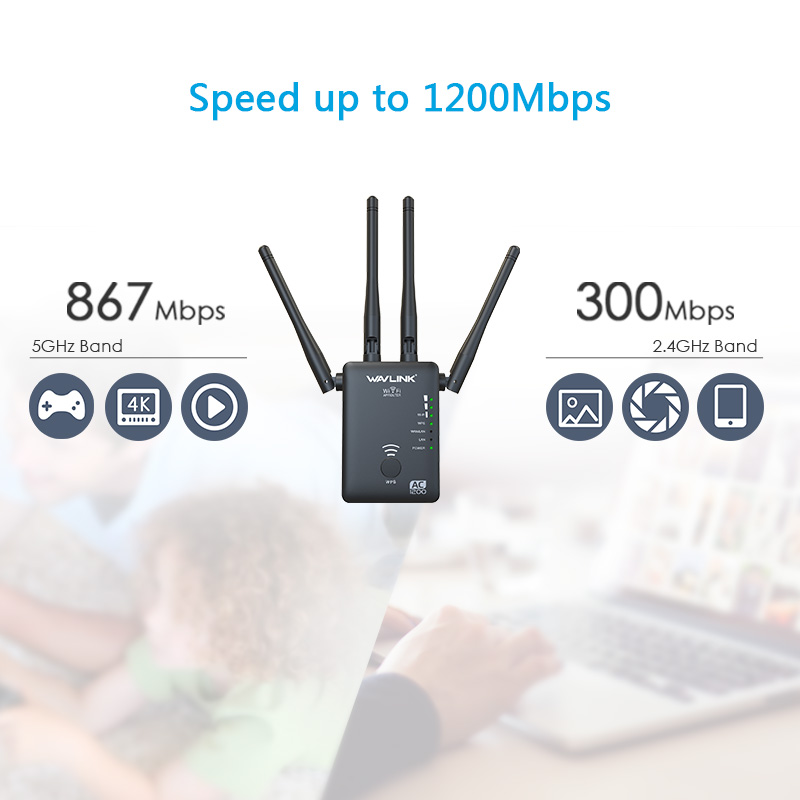
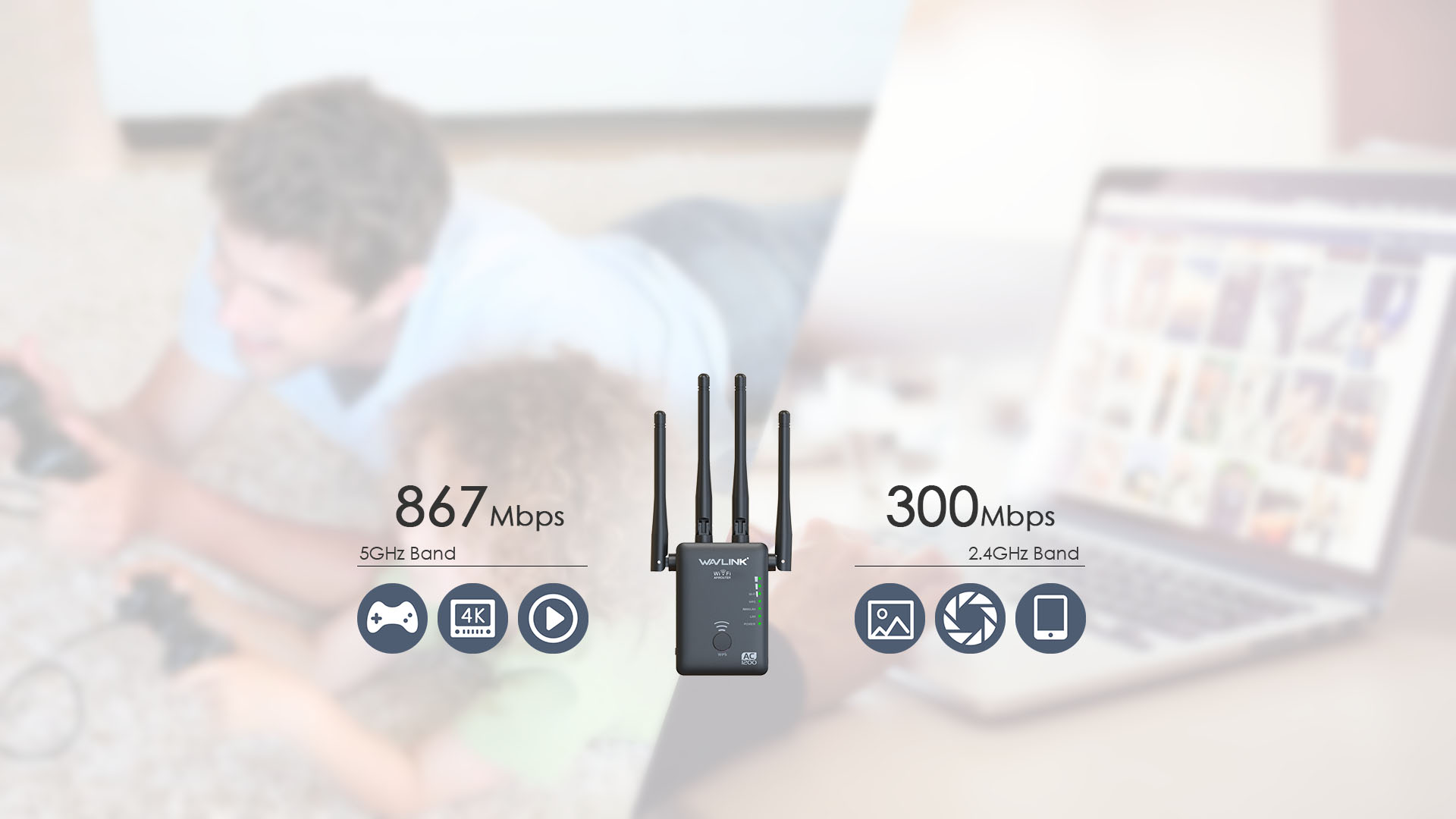
802.11AC,the next generation of Wi-Fi, 3 times faster than 802.11n. Simultaneous 5G 867Mbps and 2.4G 300Mbps connections allow more connected.
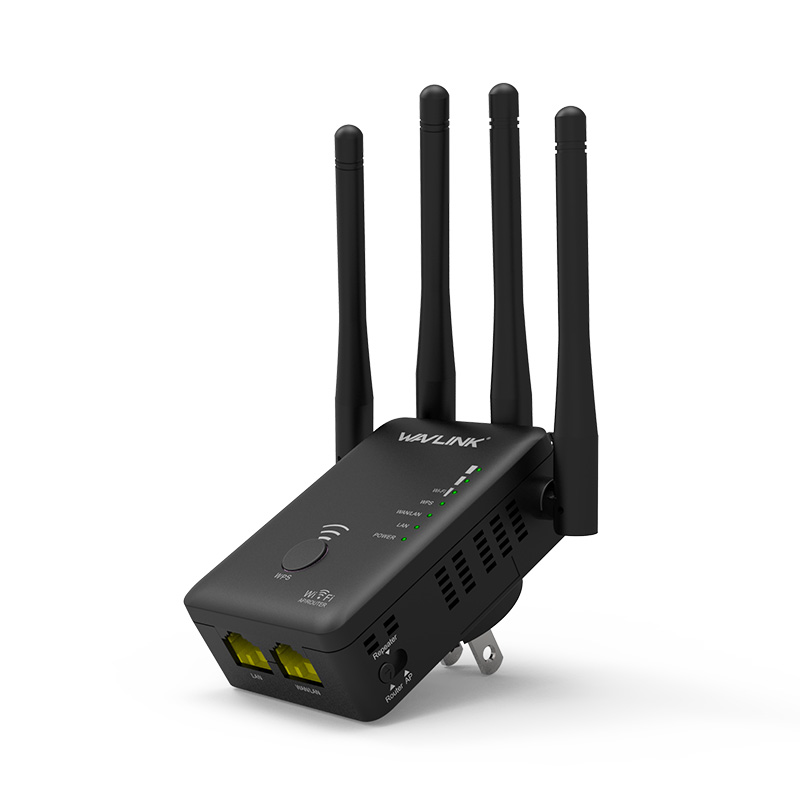
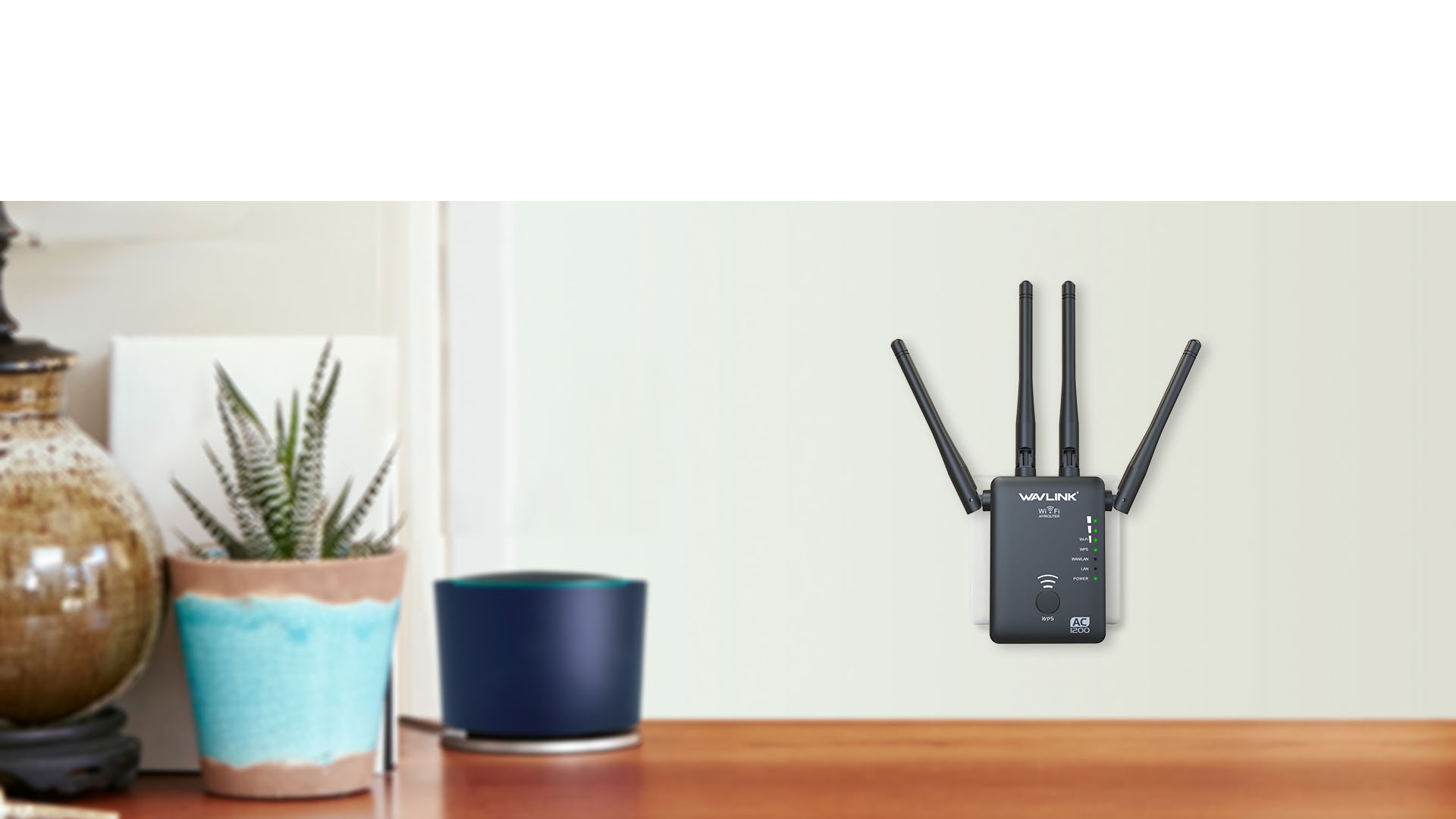
Its diminutive wall-plug design easily saves you the hassle of dealing with a power cord. Its compact, unobtrusive appearance blends easily into the decor of your home or office.
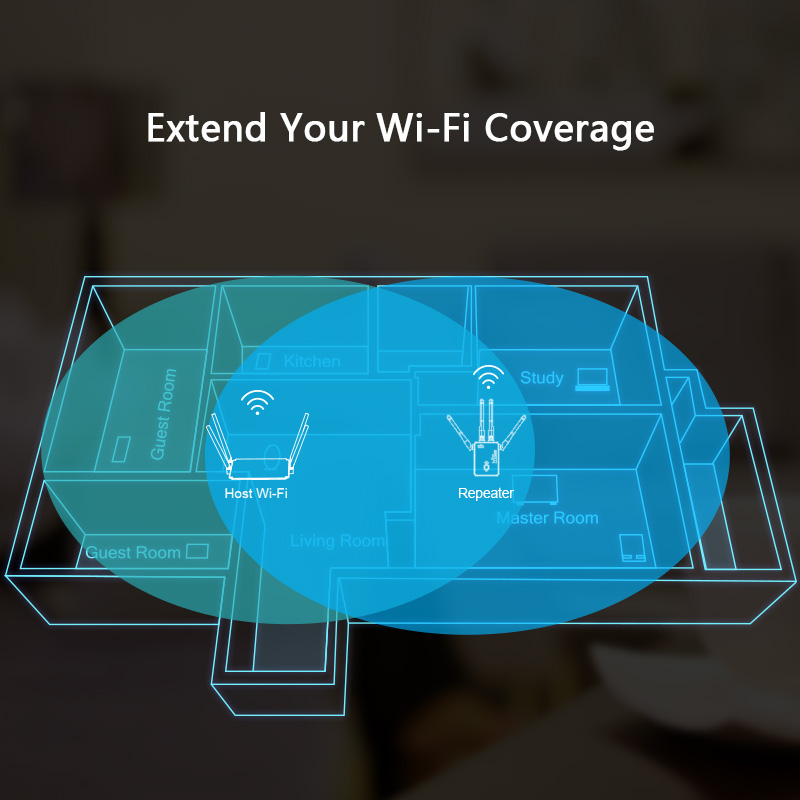
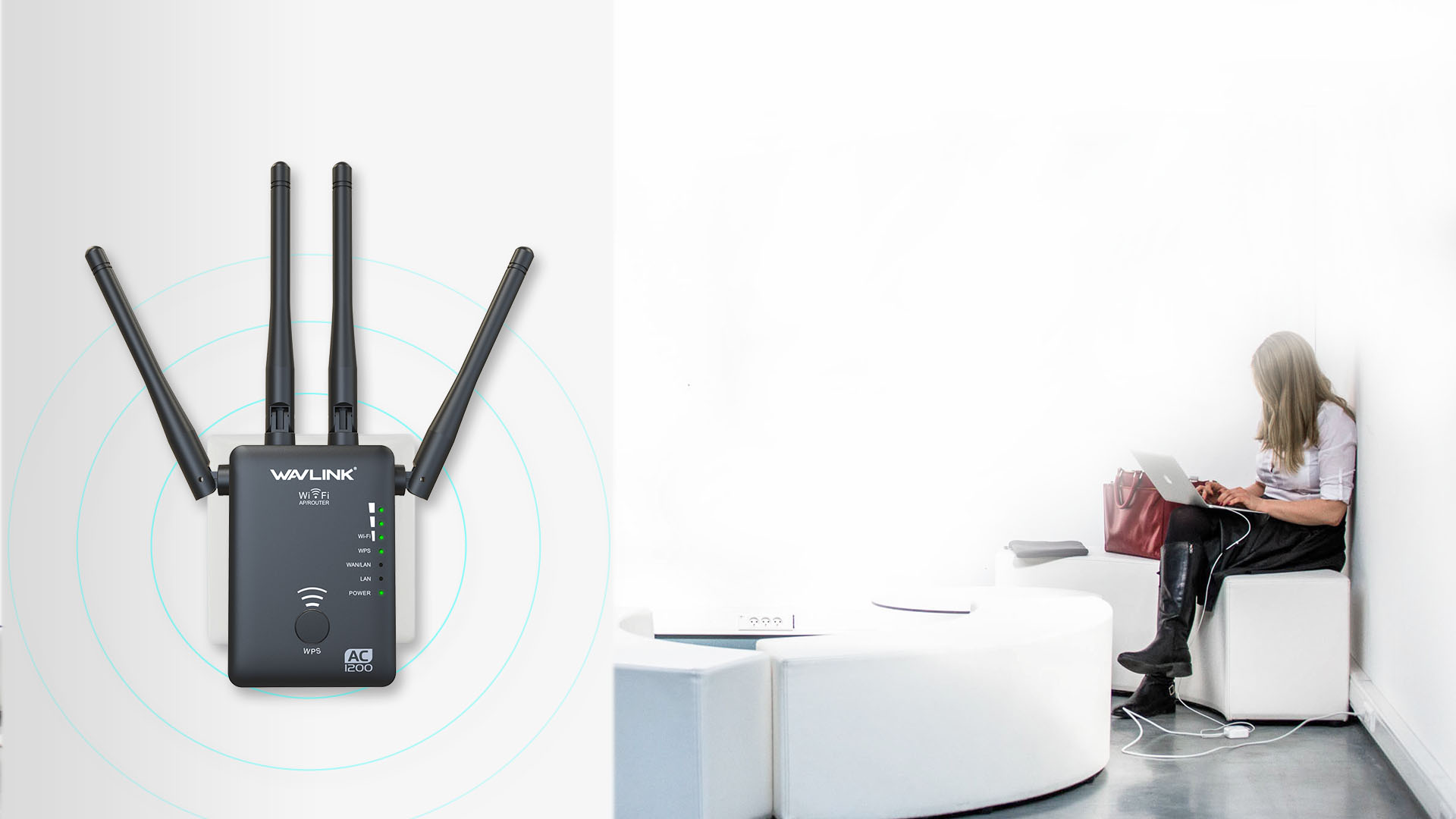
WN575A3 is a portable plug-in Wi-Fi range extender that lets you extend an existing wireless network. You can place it within your home’s existing Wi-Fi network to increase its range.
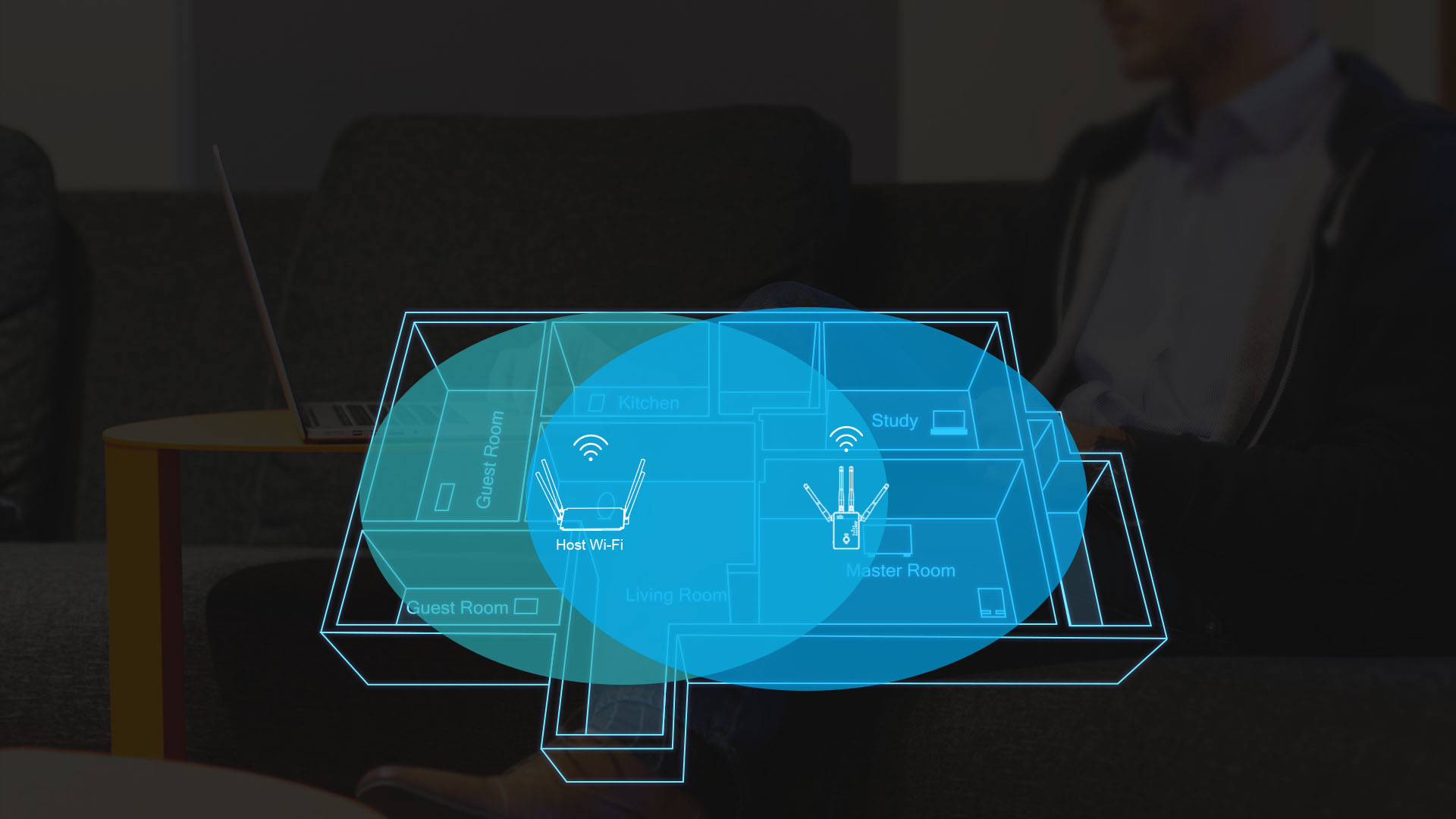
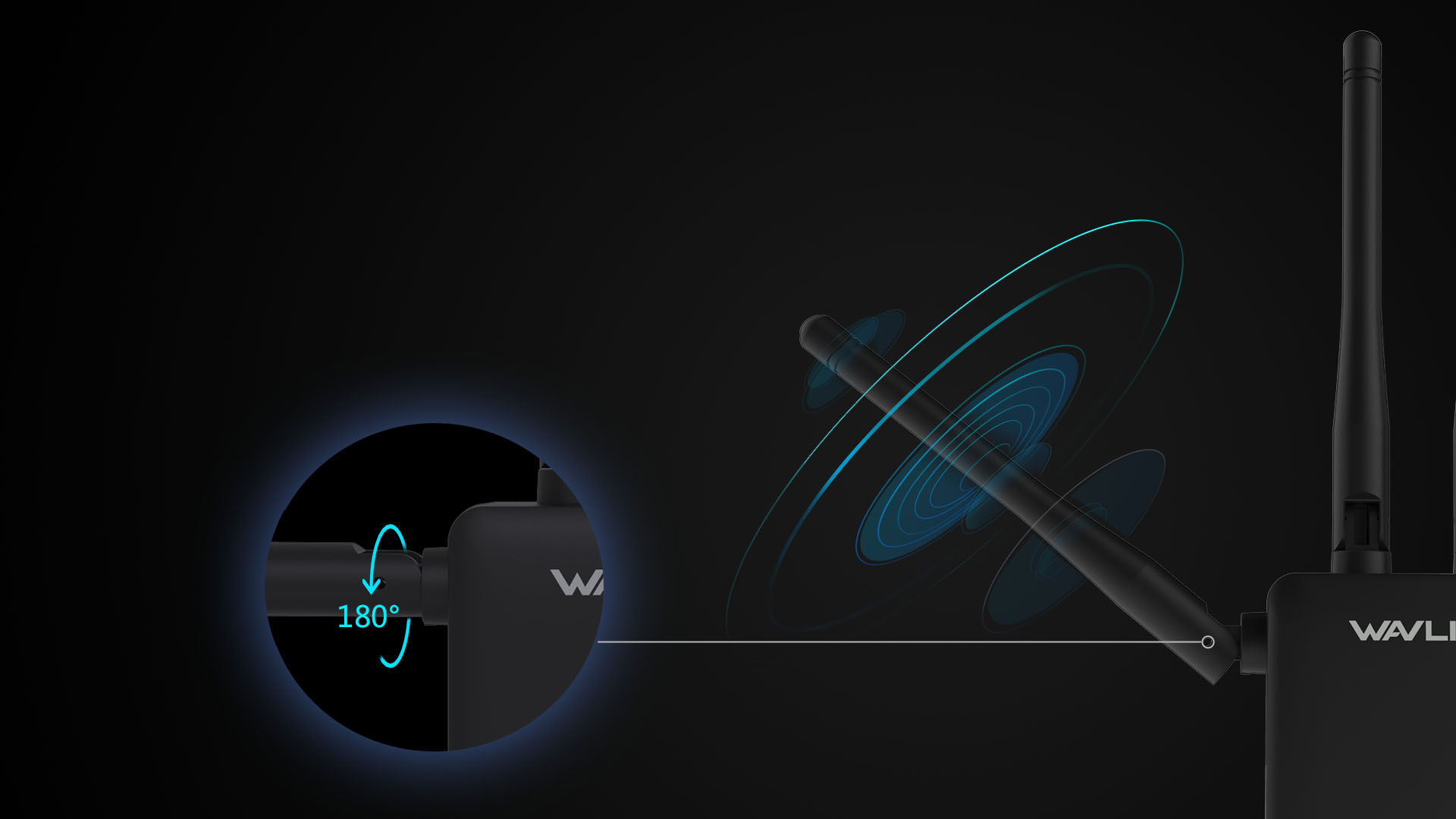
Four external high-performance antennas with unique omnidirectional patented design boost your wireless coverage and reliability, helping your devices stay connected anywhere your network reaches.
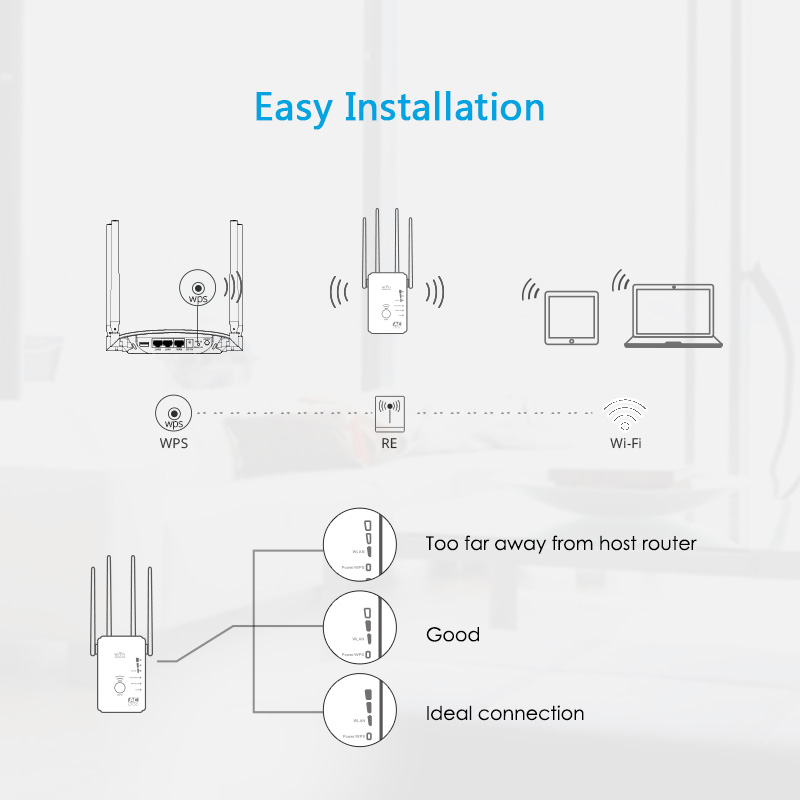
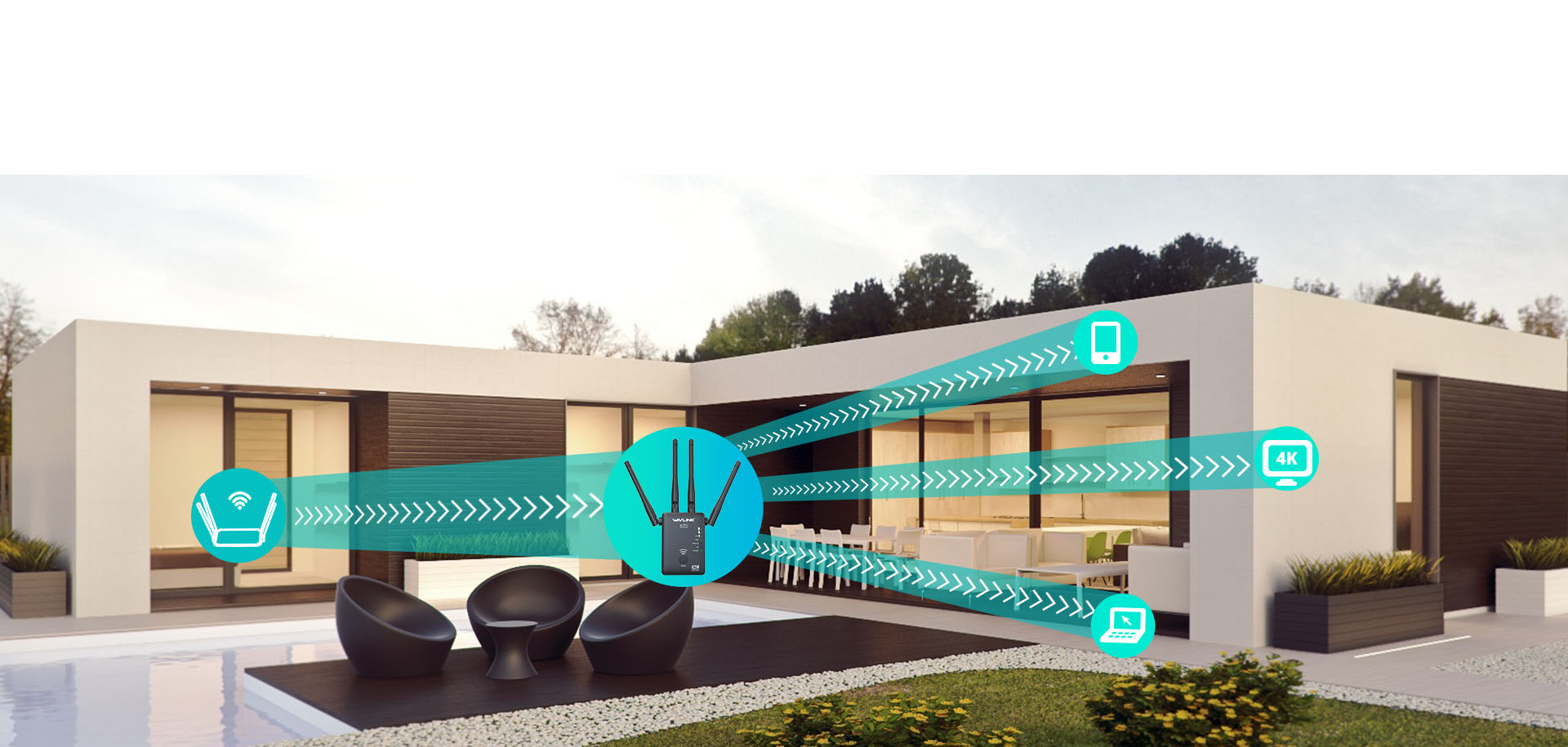
WN575A3 connects to your router wirelessly, strengthening and expanding its signal to areas it can’t reach on its own.
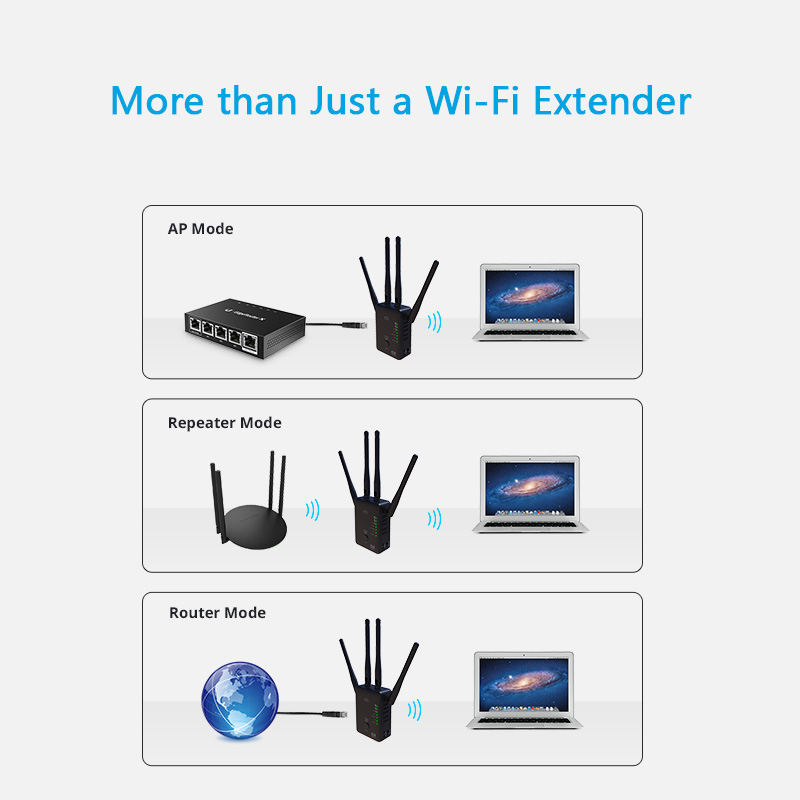
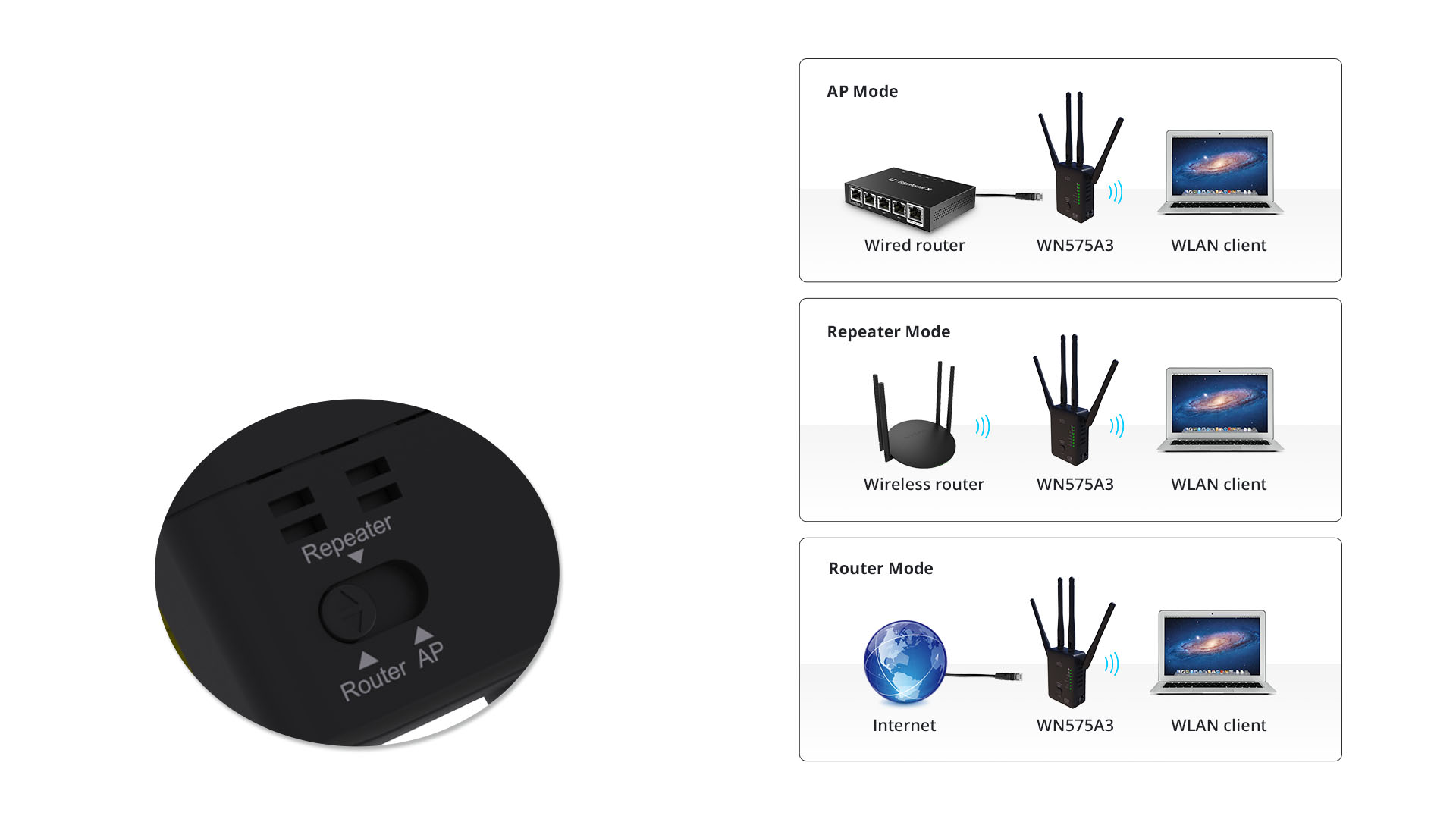
Two more convenient modes make it more flexible. 575A3 is not just repeater but wireless access point (AP) or router and you can choose any mode by the switch button.
Simply press the WPS button and setup is completed. You can take the extender to an ideal place without other further configurations after connected with an existing router.
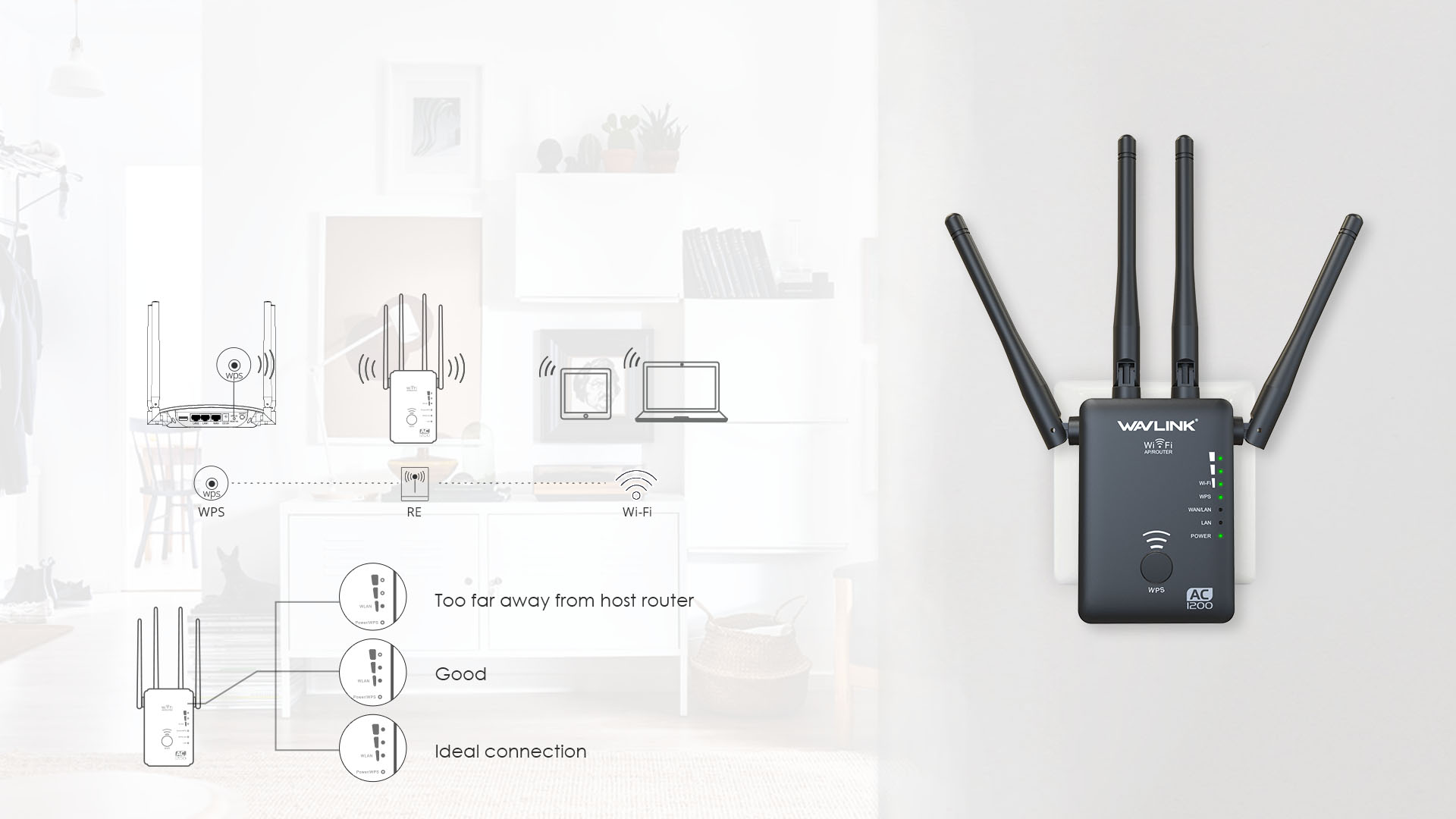
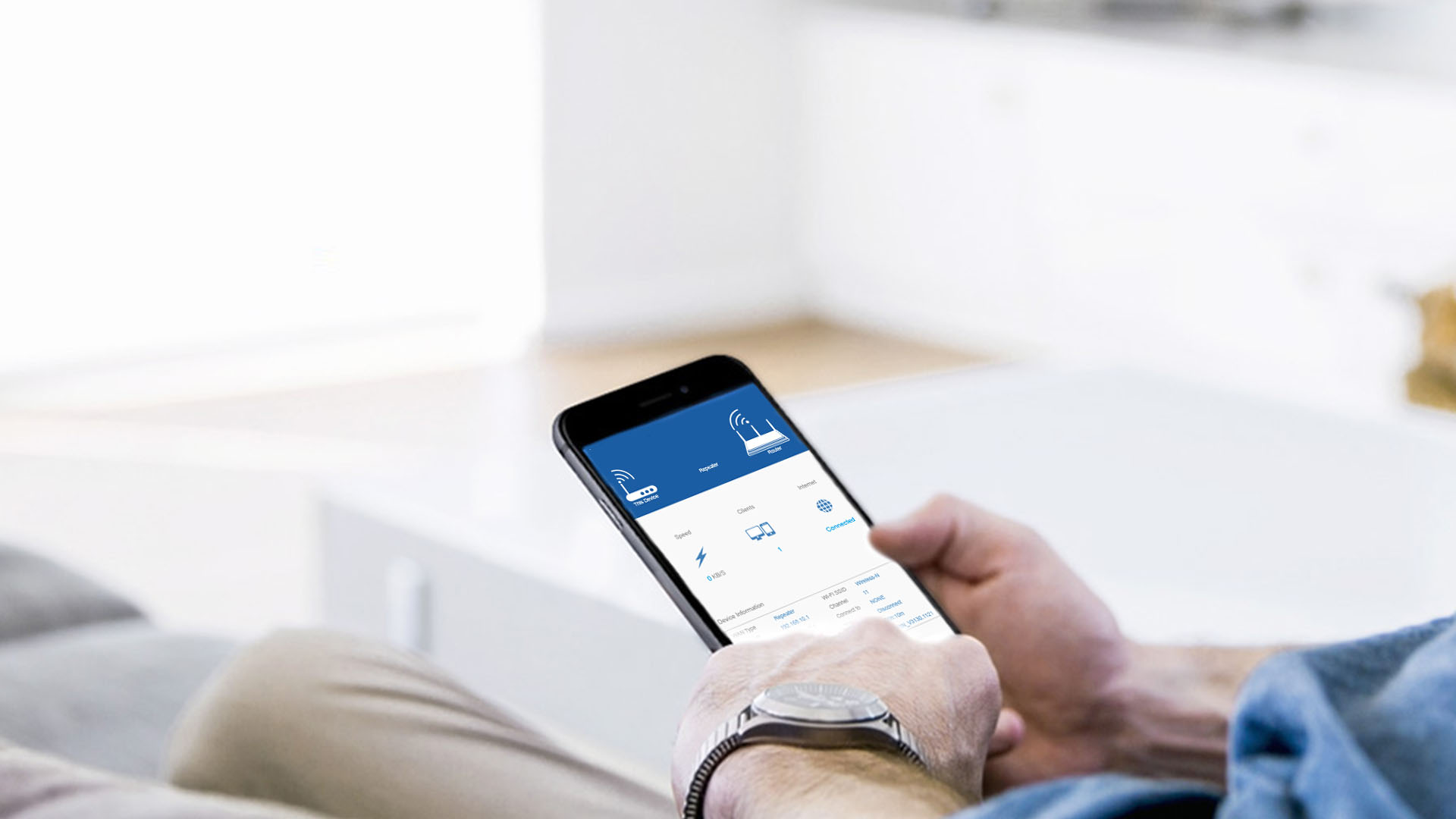
WN575A3 works with all Wi-Fi routers. You can easily set up the range extender from any Android or iOS device in minutes.
WN575A3
1 x 10/100Mbps LAN
1 x 10/100Mbps WAN
1 x Reset button
1 x WPS button
1 x Mode Switch button
1 x Power Switch button
1 x LAN
1 x WAN/LAN
1 x Power
1 x WPS
3 x WiFi/Signal
64Mb
512Mb
DC5V / 1.5A
input:100-240 Va.c. 50/60Hz
72mm x 50mm x 25mm ( L x W x H )
IEEE 802.11a/b/g/n/ac
IEEE 802.11ac: up to 867Mbps
IEEE 802.11n: up to 300Mbps
IEEE 802.11g: 54Mbps
IEEE 802.11b: 11Mbps
IEEE 802.11a: up to 54Mbps
2.4GHz, 5GHz
WPA-PSK/ WPA2-PSK encryption
4 x 3dBi Omni Directional Antennas
1 x AC1200 WiFi AP/Range Extender/Router
1 x RJ45 Networking Cable
1 x Quick Guide
1.If you can't log in the management when the device is in AP Mode, please check the IP address arranged by the upstream router, use this IP address to log in.
2.Make sure you have connected to the Wi-Fi of the device.
3.Please try to clean the cache of the browser.
4.Try to log in the management page via another browser.
5.Try to log in the management page via other devices.
6.If you still meet some problem,please be free to contact our support team.
Please reset the device by pressing the reset button for 6s when the device is powered on.
If you configure the wavlink device as repeater mode.
1.Please make sure you should enter the correct wifi password of the host router when you try to repeat the wifi signal.
2.Please make sure the dhcp of the host router is enabled.
3.Make sure the mac filter of the host router is not enabled.(Otherwise the wavlink device might be blocked)
If you configure the wavlink device as ap mode.
1.Please make sure the dhcp of the host router is enabled.
2.Make sure the mac filter of the host router is not enabled.(Otherwise the wavlink device might be blocked)
3.Please connect the pc to the modem/host router via Ethernet cable directly and check if you could get internet.(To rule out the problem of the modem/router)
Please press the reset button for 6s when the device is powered on.
No the device could not repeat the signal with captive portal.
Actually the device work as the wifi ranger extender,it could help help the user to get a larger wifi coverage.But it could not increase the internet speed from the host router.And the internet speed should be lower than the speed from the host router.
And there are some methods which might be helpful to help you get better performance in repeater mode.
1.Please try to adjust the position of the wavlink device.
And it is better to avoid too many obstacle like wall between the host router and wavlink device and try to avoid too many obstacle between the wavlink device and the target area.
2.Try to repeat the 5g signal of your host router,if there is no 5G signal.
If you still meet some problem,please be free to contact our support team.
Get the Scoop First
Subscribe to our official website to receive exclusive first-hand news and stay up-to-date on our new product releases and promotions!