AERIAL HD6
Model: WL-WN573HX1
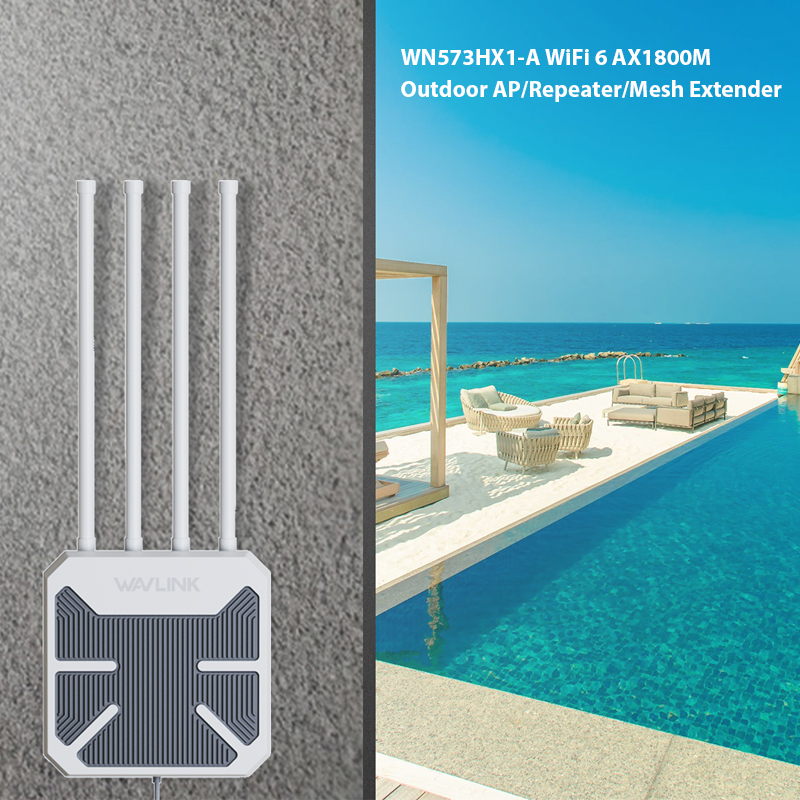
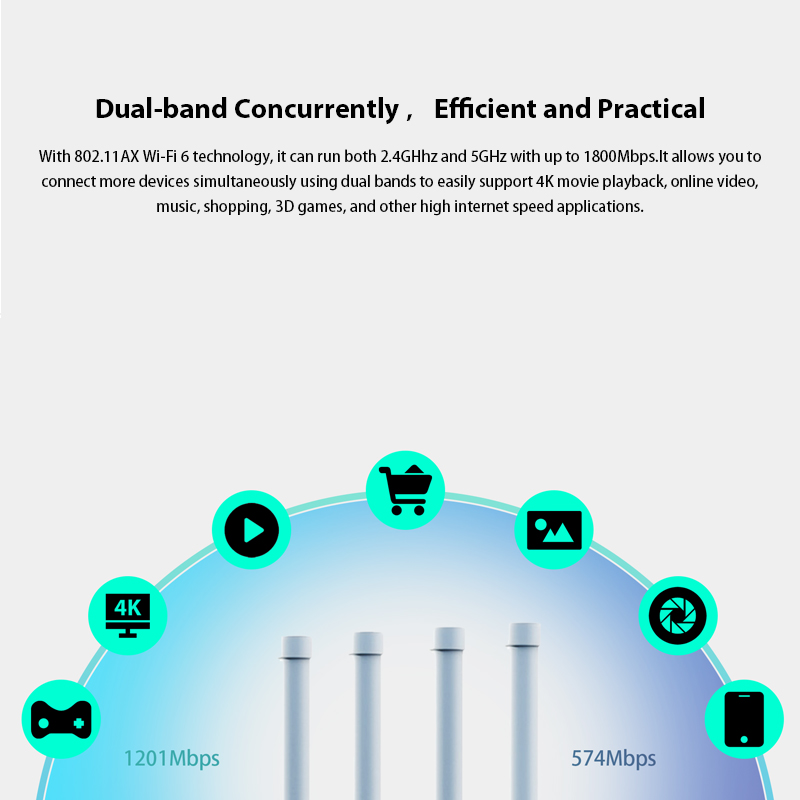
WAVLINK AERIAL HD6 adopts Wi-Fi 6 (802.11ax) technology for faster speeds, greater capacity and reduced network congestion compared to the previous generation. It achieves a total networking speed of about 1775Mbps —1201 Mbps on the 5GHz band and 574 Mbps on the 2.4GHz band. It provides fast wireless signals for scenarios such as outdoor parties, gardens and yard, swimming pool, as well as gives Internet for surveillance cameras.
Designed for long-range wireless networking, it is an ideal solution for small business office and outdoor networking needs
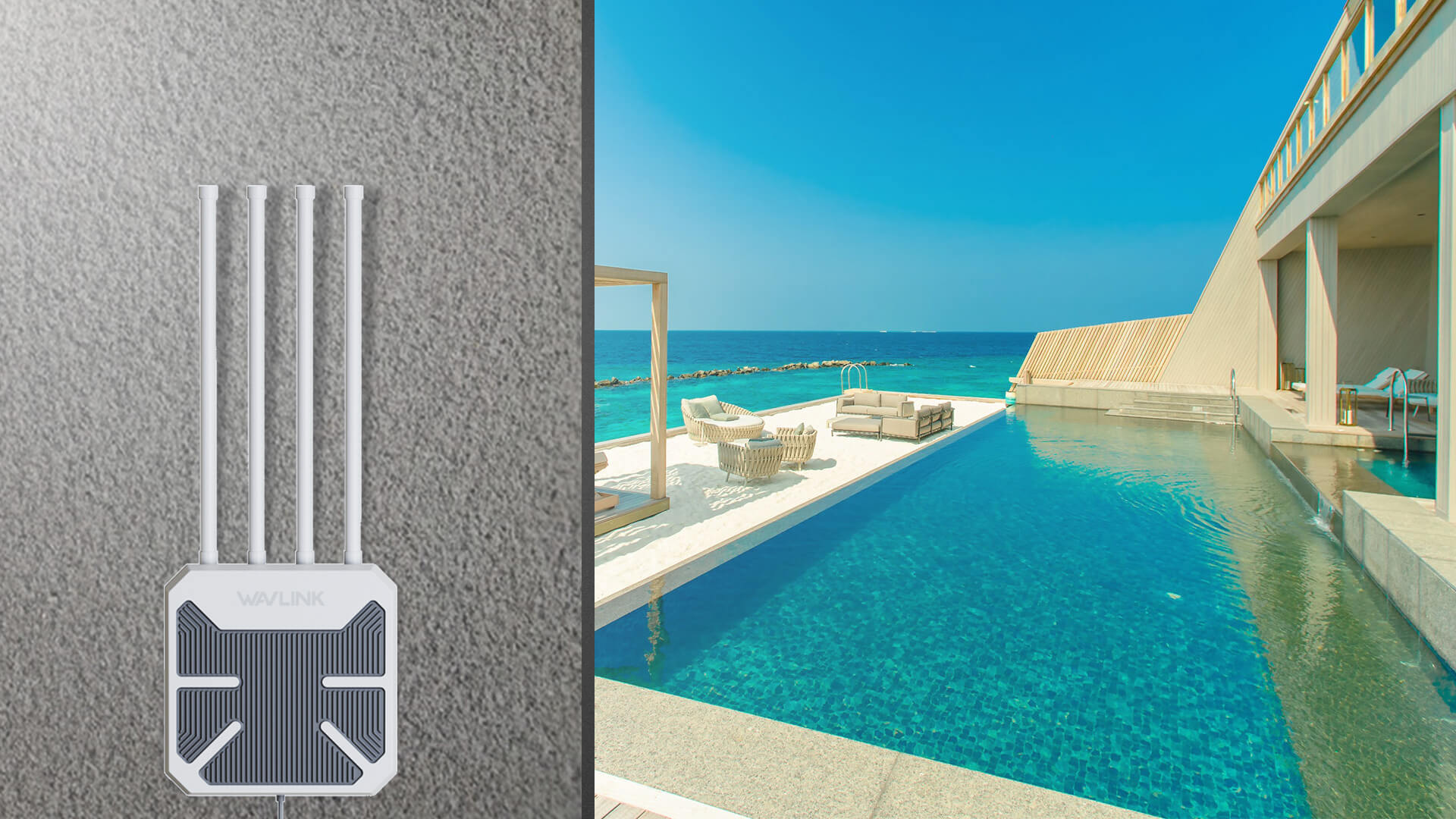
The rugged weatherproof enclosure ensures that it can be deployed in a wide variety of environments, withstanding a wide range of humidity and temperature(-20°~ 50°C)

With 802.11AC Wi-Fi 6 technology, it can run both 2.4GHhz and 5GHz with up to 1800Mbps.It allows you to connect more devices simultaneously using dual bands to easily support 4K movie playback, online video, music, shopping, 3D games

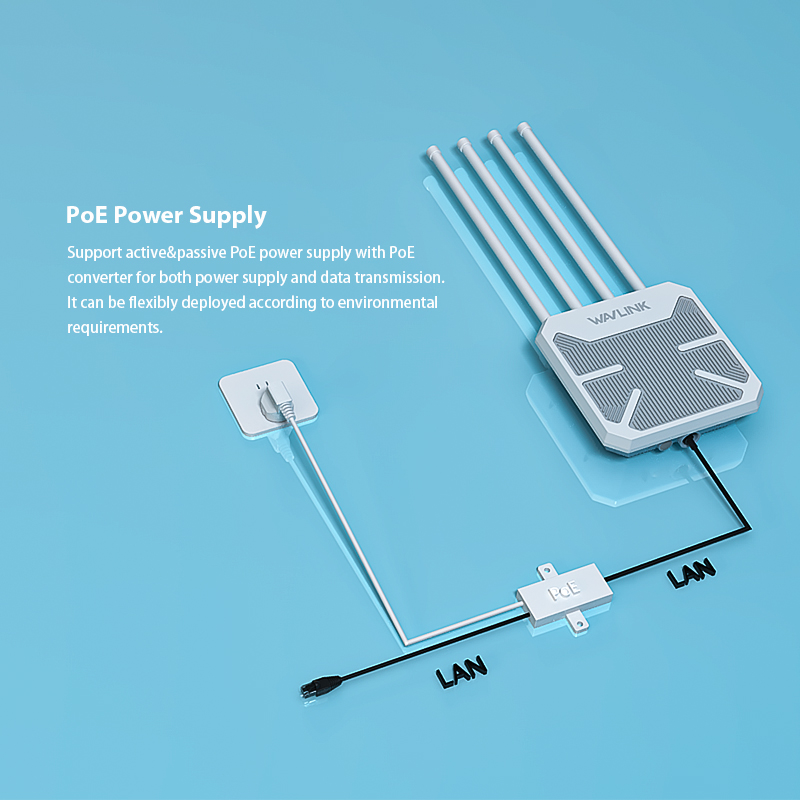
Support active&passive PoE power supply with PoE converter for both power supply and data transmission. It can be flexibly deployed according to environmental requirements.

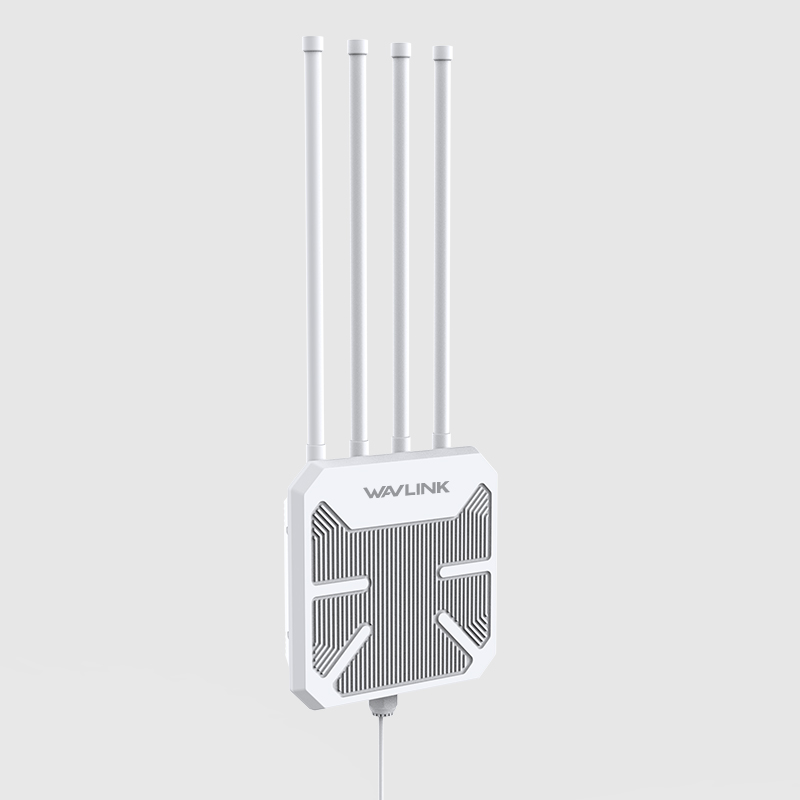
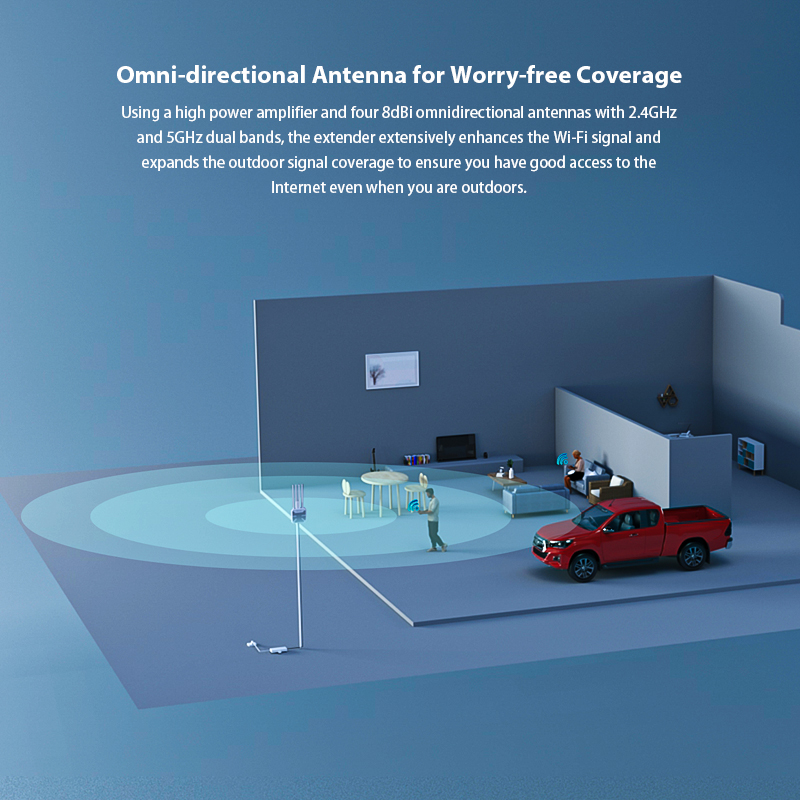
Using a high power amplifier and four 8dBi omnidirectional antennas with 2.4GHz and 5GHz dual bands, the extender extensively enhances the Wi-Fi signal and expands the outdoor signal coverage to ensure you have good access to the Internet even when you are outdoors.

Four convenient modes make it more flexible. In addition to Mesh extender, it can also be used as outdoor AP, repeater and router.

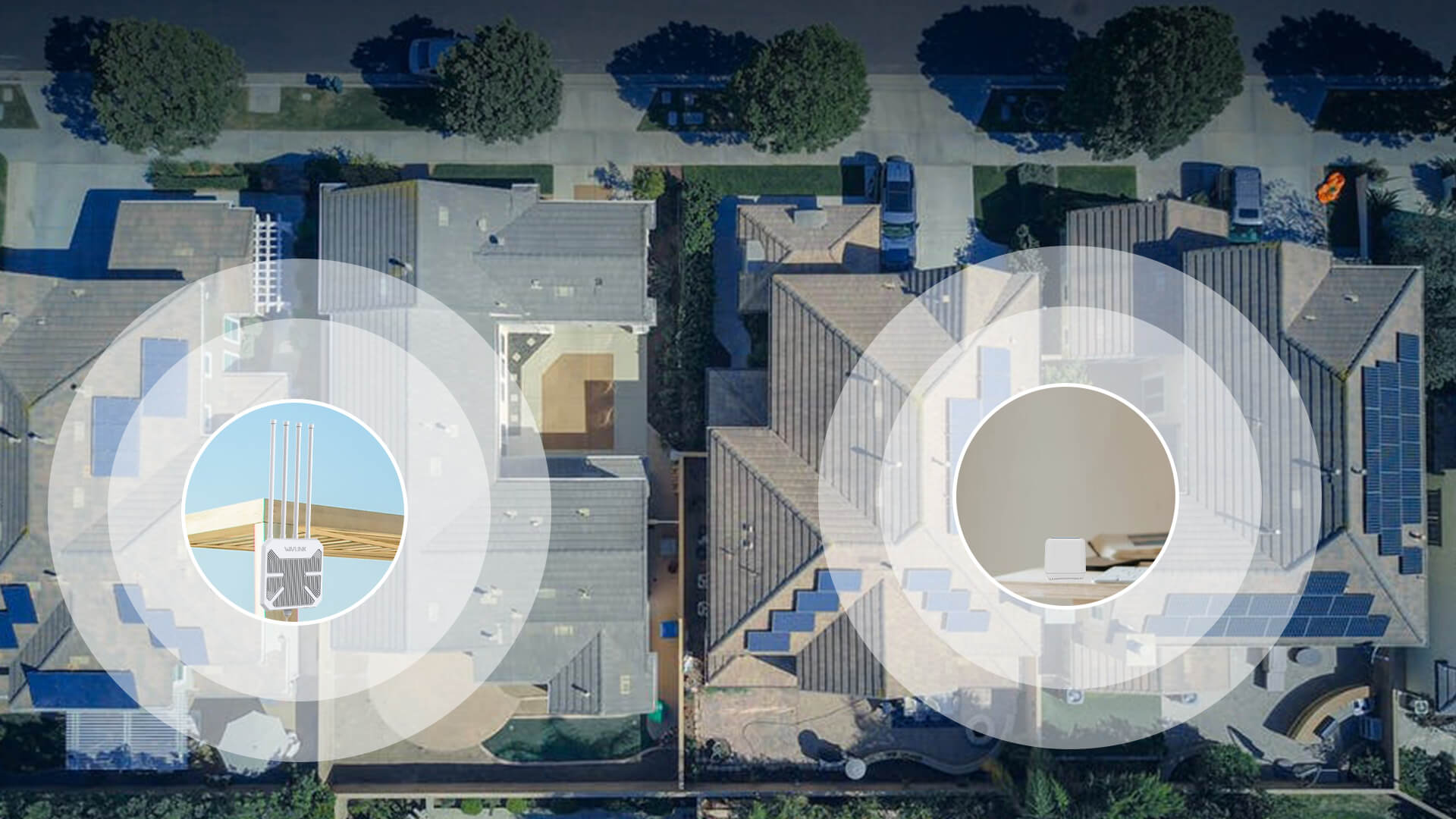
Specially designed to provide effective solutions for outdoor wireless network applications. Centralized management platform with high flexibility, point-to-point and point-to-multiple, ideal for Wi-Fi coverage in gardens, swimming pools and other outdoor areas.
1 x 10/100/1000Mbps WAN/LAN PORT (POE)
Reset/Pair Button
2 x 8dBi 2.4GHz antennas
2 x 8dBi 5GHz antennas
Omni Directional Antennas
1 x SYS
input:100-240 Va.c. 50/60Hz
DC 54V/0.3A Power over Ethernet(Passive)
DC 48V Power over Ethernet(Active)
AP; Repeater; Mesh Router; Mesh Extender Modes
PPPoE, Dynamic IP, static IP
Wireless Backhaul
Ethernet Backhaul
Address Reservation
DHCP Client List
Server
IPV4
Local management
Webpage (Internet Explorer 11+, Firefox 12.0+, Chrome 20.0+, Safari 4.0+, or other JavaScript-enabled browser)
SPI Firewall
IP & MAC Binding
DDoS Attack Prevention
Auto Firmware Upgrade
OTA Firmware Upgrade
support to modify wifi TX power
Further software upgrade for feature availability may be required
5GHz:
11n HT20_MCS0:-94dBm,11ac HT20_MCS7:-75dBm
11n HT40_MCS0:-92dBm,11ac HT20_MCS7:-72dBm
11ac VHT20_MCS0: -93dBm, 11ac VHT20_MCS8: -70dBm
11ac VHT40_MCS0: -90dBm, 11ac VHT40_MCS9:-65dBm
11ac VHT80_MCS0: -87dBm, 11ac VHT80_MCS9:-62dBm
11ax HE20_MCS0: -99dBm, 11ax HE20_MCS11:-69dBm
11ax HE40_MCS0: -97dBm, 11ax HE40_MCS11:-66dBm
11ax HE80_MCS0: -95dBm, 11ax HE80_MCS11:-63dBm
2.4G:
11n HT20_MCS0:-94dBm,11ac HT20_MCS7:-74
11n HT40_MCS0:-91dBm,11ac HT20_MCS7:-71
11ax HE20_MCS0: -99dBm, 11ax HE20_MCS11:-68dBm
11ax HE40_MCS0: -96dBm, 11ax HE40_MCS11:-65dBm
ABS Plastic
240.6x239.9x62.4 mm(Not including antenna)
Operation temperature: -20ºC~50ºC
Storage temperature: -10~70℃
Operation RH (relative humidity): 10%~90%,noncondensing
Storage RH: 10%~90%,noncondensing
1x WiFi 6 Outdoor Mesh Router/AP/Repeater
4 x Omni Antennas
1x Main Body Holder
4 X Cable Ties
1 x Quick Start Guide
Several Screws
Optional:
Passive PoE:
1x 54V Power Adapter
1x PoE Converter
1x Ethernet Cable
The Wavlink Everything Mesh WiFi system is a proprietary mesh system and is not compatible with other brands of mesh networking systems. If you have purchased several Wavlink Everything Mesh devices, you can interconnect them to create an overall mesh network covering a wider area.
For the devices which support everything technology,please refer to the link below:
https://kb.wavlink.xyz/docs/EverythingMesh/v100/Model-and-How-to-Add
1. Please connect the wifi signal of wavlink device then use http://waplogin.link or http://192.168.30.1 to log in the management page.
2. Try to use different device like your phone or pc to log in the management page.
3. If you try to use your phone to log in the management page,please try to disable the mobile network.
4. If you try to use your pc to log in the management page,please make sure your pc is not connect to the router via Ethernet cable.
5. If you can't log in the management when the device is in AP Mode, please check the IP address arranged by the upstream router, then use this IP address to log in.
No,they are not waterproof,please keep them away from the water.
When there is no obstacle between the wavlink device and the target area,the 5g signal could reach about 300m and the 2.4g signal could reach about 100m for clients like phone.
Please try to avoid the obstacle.
The actual distance may depend on the environment.
Please be free to contact our support team if you meet any problem.
Yes,it is necessary to install the ground wire to avoid Static electricity and lightning strikes.
If you configure the wavlink device as repeater mode.
1. Please make sure you should enter the correct wifi password of the host router when you try to repeat the wifi signal.
2. Please make sure the dhcp of the host router is enabled.
3. Make sure the mac filter of the host router is not enabled.(Otherwise the wavlink device might be blocked)
If you configure the wavlink device as ap mode.
1.Please make sure the dhcp of the host router is enabled.
2.Make sure the mac filter of the host router is not enabled.(Otherwise the wavlink device might be blocked)
3.Please connect the pc to the modem/host router via Ethernet cable directly and check if you could get internet.(To rule out the problem of the modem/router)
Yes,our device could support ap/router/repeater mode.
In repeater mode,it could build a wireless connection with the starlink router.
In router/ap mode,you could connect the wavlink device to the modem/host router via Ethernet cable.
Please press the reset button for 6s when the device is powered on.
No the device could not repeat the signal with captive portal.
Yes,it could be powered by the solar battery,just make sure you could provide DC48-54v for the device.
In repeater mode,the wavlink device could build a wireless connection with the host router,you need not connect the wavlink device to host router via Ethernet cable.
However you still need to connect the wavlink device to the poe box via Ethernet cable.It could only be powered by poe adapter/switch.
If the poe switch could support 802.3 at/af protocol,our device should work well with it.
Please configure the wavlink device as ap mode and connect it to the host router via Ethernet cable.Then you could control all the clients which connect to the wavlink device in the management page of the host router.
Get the Scoop First
Subscribe to our official website to receive exclusive first-hand news and stay up-to-date on our new product releases and promotions!