Model: WL-UG76PD1
New-generation Wireless Dock

76PD1 is designed in a delicate and portable size, as a new-generation wireless dock, you’ll find it more convenient than all the other docking stations.

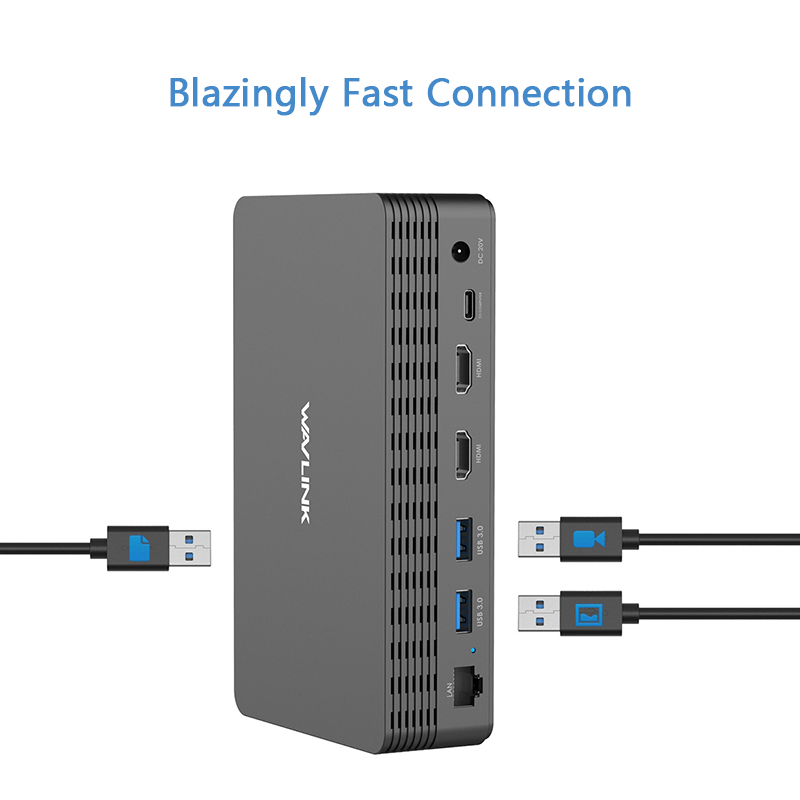
76PD1 provides you convenience and speed whether you want to transfer data via
USB3.0 and USB-C ports or view videos by connecting to your monitor.

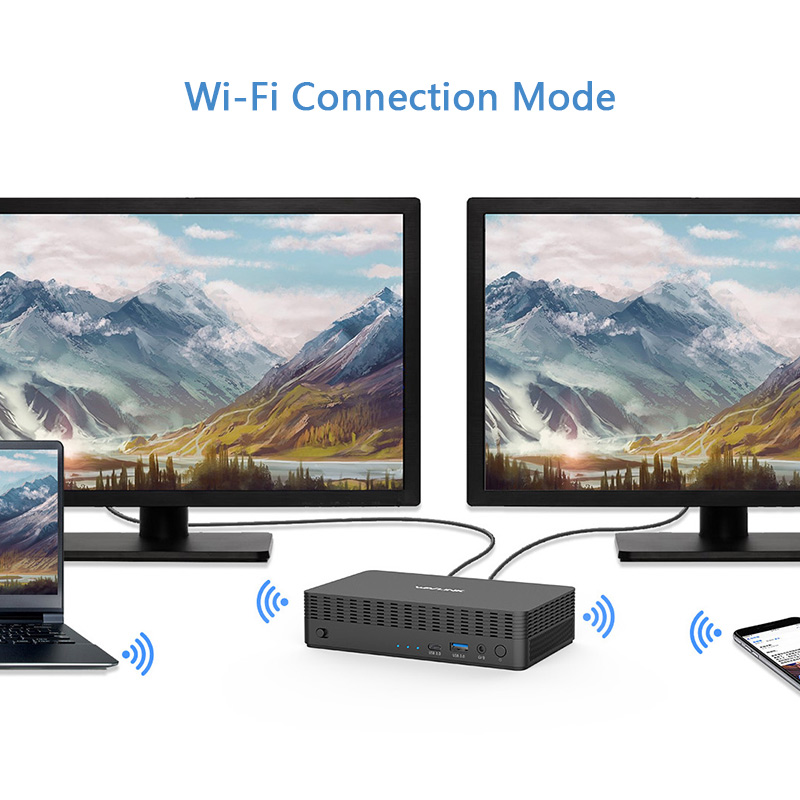
Connect 76PD1 wirelessly with your laptop and then with your monitor by
cable. The AV source from your laptop will be reflected on your screen with high
quality definition.

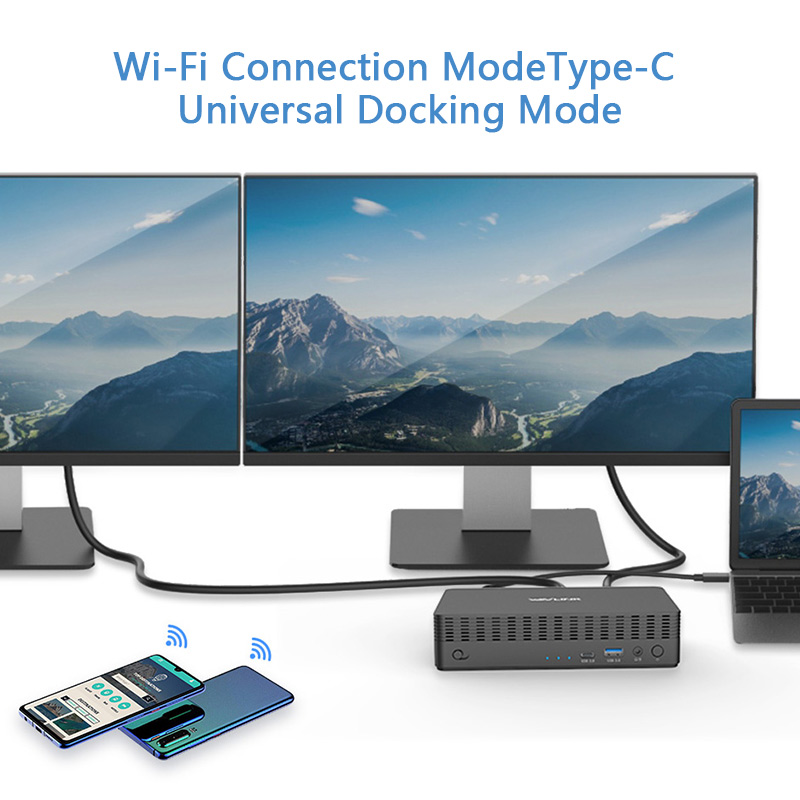
Connect 76PD1 to your laptop with a type-C cable, then you can extend videos to
your monitors, transfer files at maximum 5Gbps, in the meantime, your laptop will
be charged at 65W.

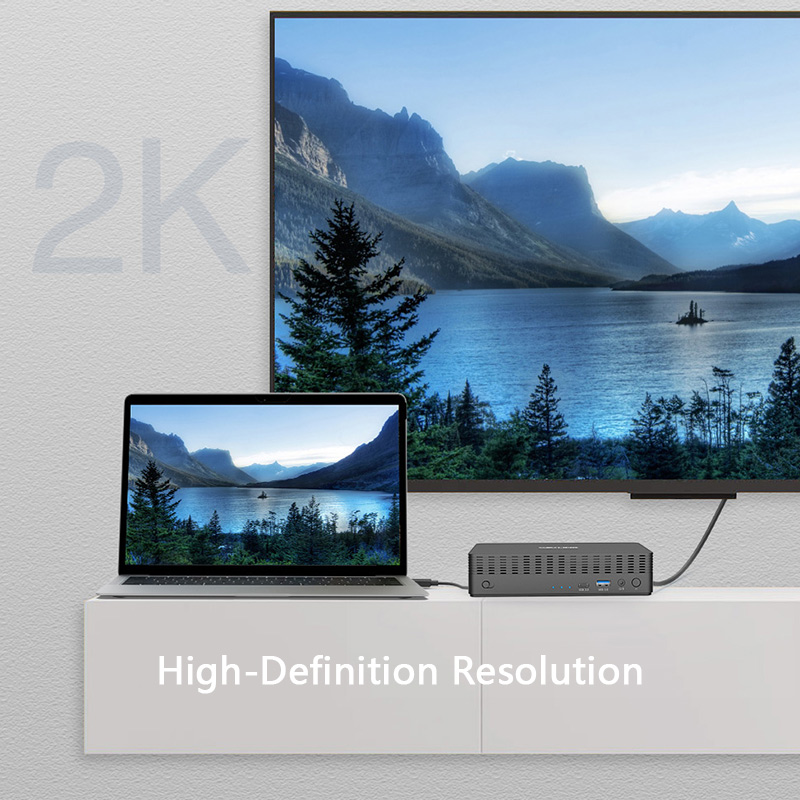
Connect 76PD1 to your monitors for reviewing
videos, playing games or working on projects, it
supports dual 2K high definition image, but also
supports ultra 4K videos, giving you visual
experience of quality.

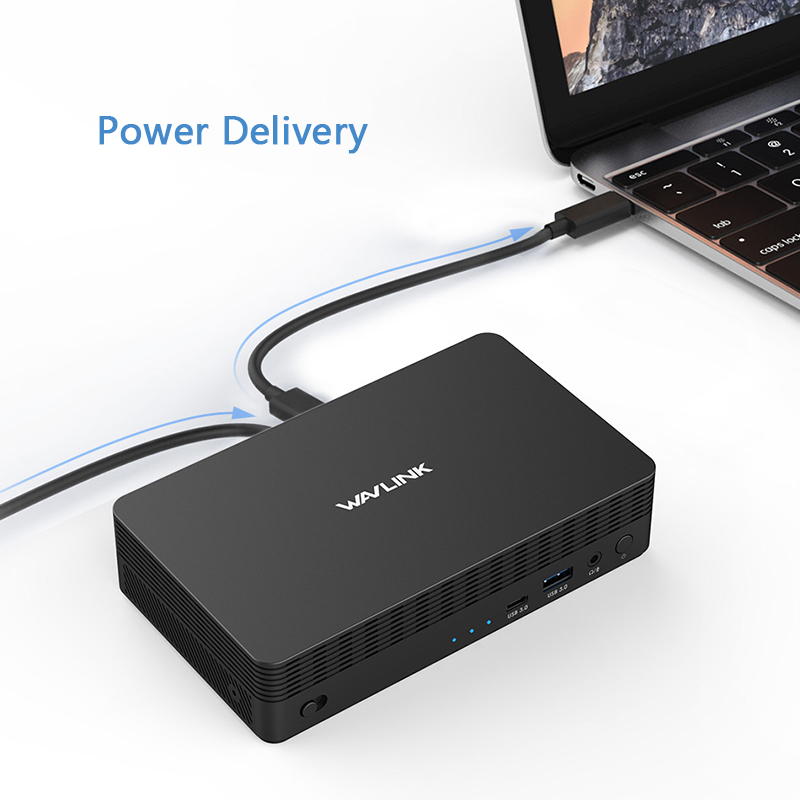
Connect upstream Type-C port (the one with a laptop icon)
to laptop and then your laptop will be charged with
power delivery max. at 65W while working on your projects

Designed with 2 types of USB ports, USB3.0 Type-A and
Type-C, both types reach speed up to 5Gb/s, you can
transfer your files, share and store videos fast and smoothly,
making it possible to improve your work efficiency and effectiveness.

UG76PD1
1 x USB-C Upstream
1 x HDMI
1 x VGA
1 x 4-Pole Phone Jack
1 x USB-C Downstream
4 x USB-A Downstream
1 x DC Power Jack Port
1 x RJ45 Gigabit Ethernet
Tact Switch ON/OFF button
Reset Switch button
Blue
DC20V / 5A
93Watt maximum
1 x Wireless / USB-C Docking Station
1 x USB3.0 C to C Cable with E-Mark
1 x USB3.0 A to C Cable
1 x DC20V/5A Power Adapter
1 x User Manual
Please ensure that the appropriate driver for the dock is installed. You can download the latest driver from the link below:
macOS requires Screen Recording permission for the Silicon Motion driver to function properly. The InstantView app does not transmit any information to Wavlink or Silicon Motion, so there is no need to worry.
1.The docking station does not support HDCP, so protected content from services like Apple TV, Hulu, and Netflix cannot be played while the dock is connected. This is expected behavior. Please disconnect the dock when playing these videos.
2.Alternatively, you can try :
1) Open Google Chrome settings.
2) Click on "Advanced" and select "System."
3) Disable "Use hardware acceleration when available"
4) Select "Relaunch" to activate the new settings.
No, the driver of Silicon Motion graphics software does not support blue light reduction, so applications such as f.lux, Night shift won't affect the display.
The driver of Silicon Motion graphics software generates a "virtual desktop" image, which is sent through a USB connection to the adapter. The pixels of this image are then rendered by the Silicon Motion chip integrated into the adapter.
Due to the significant amount of data being sent by the software driver, the data had to be compressed to efficiently pass through USB connections. This is why some images may not appear as "crisp" when using the Silicon Motion graphics adapter or docking station.
Please use the USB-C to USB-A cable to connect the dock to your laptop.
This will prevent the dock from supplying power.
Get the Scoop First
Subscribe to our official website to receive exclusive first-hand news and stay up-to-date on our new product releases and promotions!